


Fiscal receipts
Issue receipts for goods and services.
Issue fiscal receipts and manage sales directly from the Pausal.rs app.
Issue receipts and manage sales directly from the Pausal.rs app.
Issue receipts for goods and services.
Record advances and link them to final receipts.
Prepare pro forma invoices before the sale.
Correct and refund previously issued receipts.
Pick line items faster when issuing receipts.
Record supported payment methods.
Link fiscal receipts to your business records.
Receipt history and fiscalized turnover.
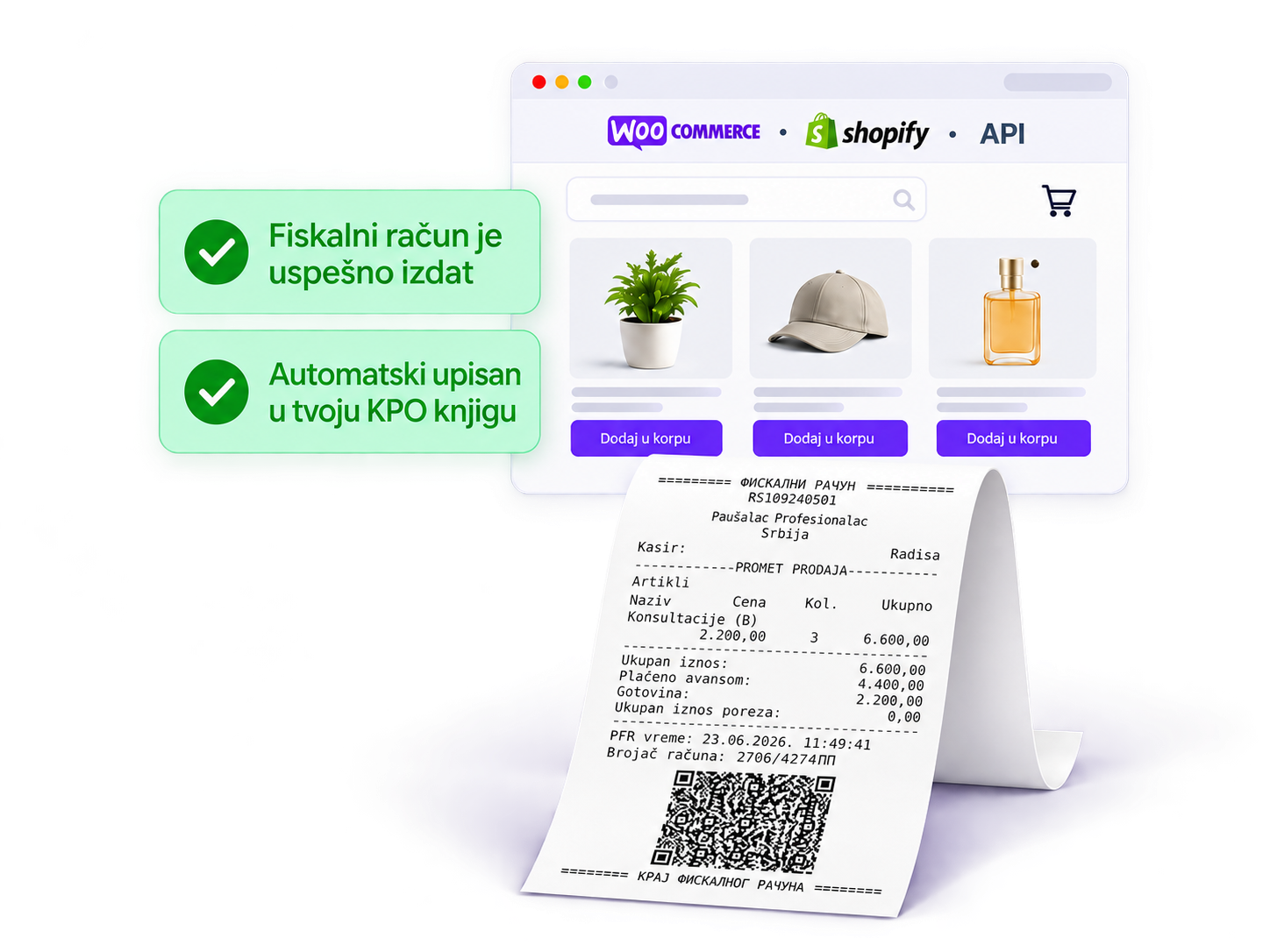
Selling online?
Connect your site to Pausal.rs and automate fiscal receipt issuance after every order.
WooCommerce
Automatic fiscalization
Shopify
Connect register and store
Custom API
For your system
Automatic receipts
After every order
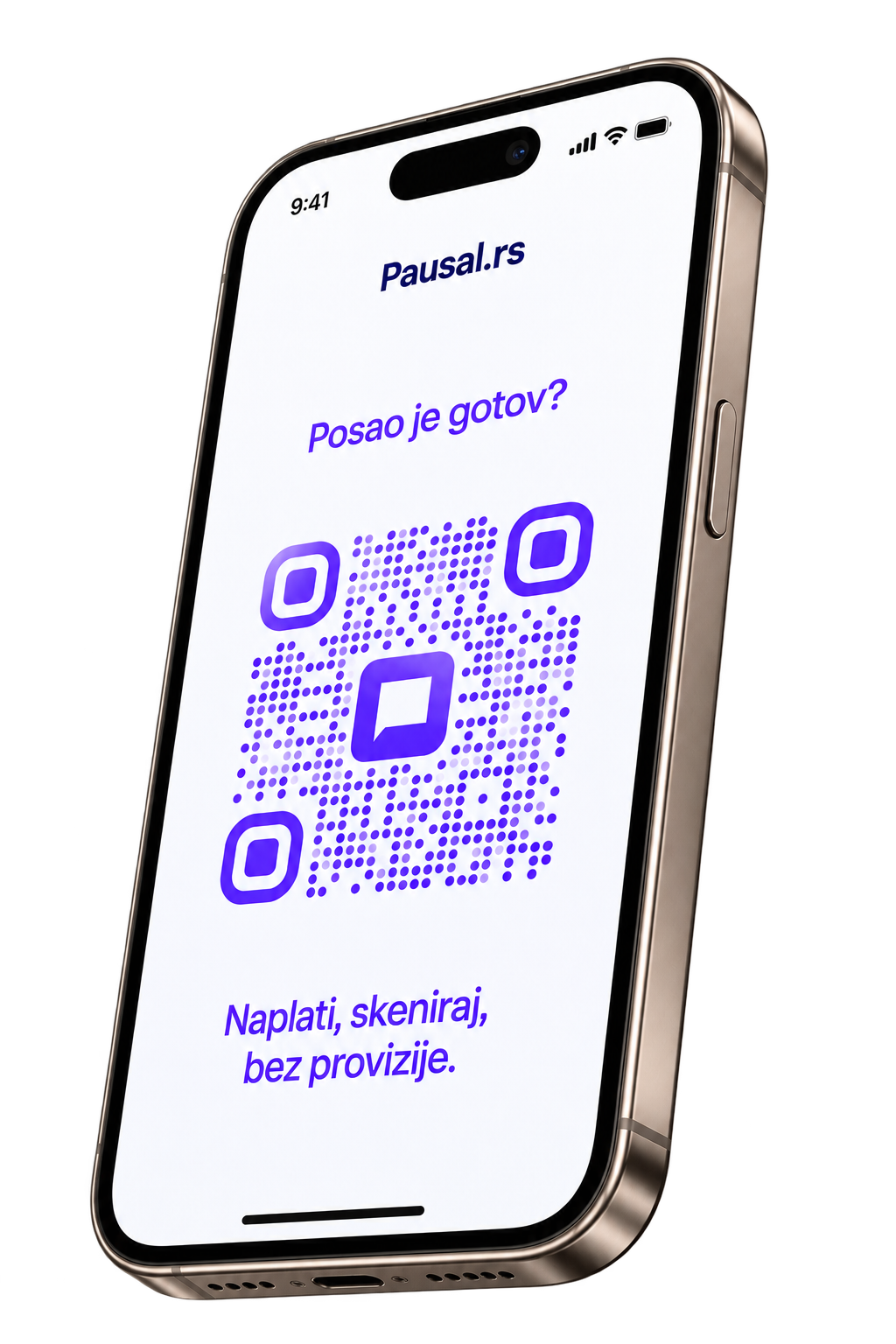
Payment QR code is ready instantly
Appears as soon as you issue a fiscal receipt
Customer just scans and pays
No cash, card, or waiting for the bill
No POS terminal
No extra devices or costs
Payment QR code is ready instantly
Appears as soon as you issue a fiscal receipt
Customer just scans and pays
No cash, card, or waiting for the bill
No POS terminal
No extra devices or costs
From required applications to activation — our team guides you through every step.

We register your business premises and submit the security element request.

Once you receive the security element, we configure and activate the register in Pausal.rs.
After activation, the register is ready. Issue receipts directly from Pausal.rs.
Need help activating your online fiscal register?
Contact our teamFrequently asked questions
The fiscal cash register costs 630 RSD per month and can be added to any package in the app. With the Premium package, it is included in the price.
Yes. If you already use another fiscalization software, you can switch to the Pausal.rs fiscal cash register. Your certificate can be connected and you can continue issuing fiscal receipts through our system.
Yes. Pausal.rs can import fiscal receipts from the Tax Administration, so all receipts you have issued so far will be visible in the app.
Yes. We provide an API integration, which means a fiscal receipt can be automatically issued and sent to the customer after an online purchase.
Yes. After connecting the certificate, you can issue test fiscal receipts to try the system and see how it works before issuing real receipts in daily business.
The fiscal cash register can be connected to your online store via API integration. To enable integration, contact us at [email protected], and we will send you the documentation and technical instructions.
The API integration costs 7,900 RSD (one-time fee). After integration, fiscal receipts can be automatically issued from your e-shop through the Pausal.rs system.
The Pausal.rs fiscal cash register is an online fiscal cash register, which means receipts are issued directly from the app without a physical device. All previously issued receipts can be imported from the Tax Administration so you have a complete overview in one place.
It is intended for all entrepreneurs who issue fiscal receipts electronically (contractors, designers, programmers, consultants, e-shops). The solution is especially useful if you want invoicing, fiscalization, and business tracking in one place.
Yes. A security element issued by the Tax Administration is required to issue fiscal receipts. If you already use one with another provider, it can be used in Pausal.rs.
No. The customer’s email address is enough.
Yes. All issued receipts are recorded automatically in the app.
We are here for questions about the app, plans, and your business. Write to us or book a demo to see Pausal.rs in action.